Controls and HUD in Build Base to Survive VERITY
PC and mobile layout tips so Store, building, and night combat stay readable under pressure.
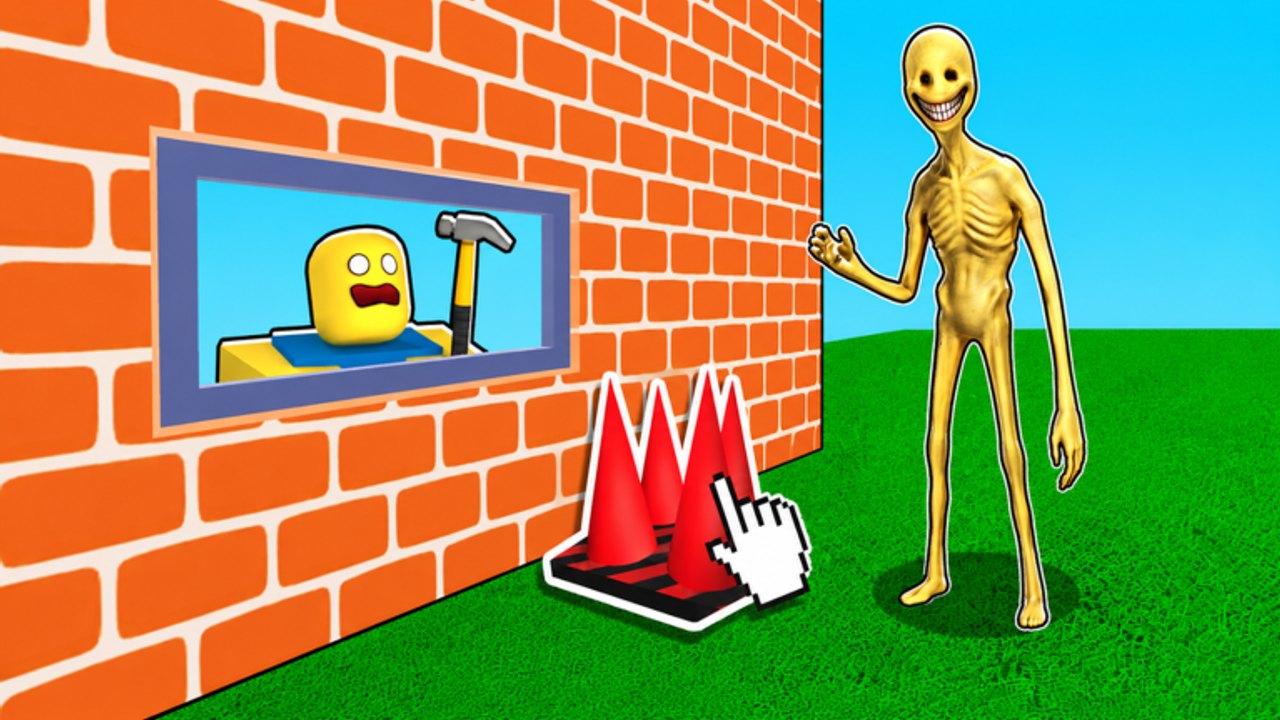
Build Base to Survive VERITY uses standard Roblox movement, but the HUD and Store layout decide whether you finish a wall before darkness. This controls guide maps the buttons you actually need: claiming a plot, opening Store, placing blocks and Turrets, swapping guns, and keeping your AFK perch usable on both PC and mobile.
What you must find in the first minute
- Plot claim — Stand on an open pad and confirm ownership before dumping blocks.
- Store (left side) — Codes, block packs, ladders, traps, and Gun crates live here.
- Build / place tools — Switch between block types and Turret items from your inventory hotbar.
- Camera — Keep a wide angle while placing shelves; zoom in only for precise seams.
- Chat / friends — Invite co-op builders early; servers top out near six players.
If any of those UI pieces are missing, wait for the experience to finish loading. Redeeming codes mid-load often fails. Full redeem steps sit on how to redeem codes, and the current strings live on the Codes Hub.
PC controls mindset
On keyboard and mouse, treat the game as a placement sim first and a shooter second. Bind comfort matters less than inventory discipline:
- Keep premium repair blocks on an easy hotkey before night.
- Keep a mid-tier gun ready when Turrets die mid-wave.
- Never leave the AFK perch to chase VERITY on the ground unless the floor already collapsed.
- Use sprint only to reach Store during daylight — night sprint off a ladder is how players wipe.
Camera control is the hidden skill. Place Turret shelves while looking down the approach lane so you visually confirm line of sight. The turret placement guide explains geometry; this page only reminds you to aim the camera at the threat path while you click.
Mobile controls mindset
Touch UI is busier. Pre-build more during daylight because combat taps compete with camera drags:
- Place ladders, baffles, and Turrets before the sky darkens.
- Enlarge text/UI in Roblox settings if Store buttons feel tiny.
- Avoid opening Store during the first ten seconds of night.
- Use two-thumb movement: left thumb walks the perch micro-adjustments, right thumb aims when you must shoot.
Mobile players benefit most from the money farm build skeleton because automation reduces frantic gun taps. Pair it with the survival checklist so you do not forget codes or soft floors.
Store and Gun Shop navigation
Store is not just a shop — it is also your code terminal. Scroll past featured packs until you see the code box, paste carefully, then exit cleanly before rebuilding. Gun crates convert Cash into personal DPS. Before buying random crates, skim the weapons tier list and the dedicated gun shop guide so Cash still funds walls and barrels.
Building and removal inputs
Placement precision beats speed. Mis-clicked soft blocks on the outer face create bazooka tunnels. When removing mistakes:
- Delete only during daylight when possible.
- Replace soft mistakes with harder packs from codes (
CURIOSITYUPD,10000PLAYERS). - Leave plastic for temporary shelves you expect to rebuild.
Autosave means accidental permanent walls stick around. Treat every place click as lasting until you consciously delete it.
Night HUD priorities
When darkness starts, your HUD job shrinks to three reads: perch HP (visual holes), Turret activity, and your hotbar of repair blocks. Stop browsing Store. Stop inventing new rooms. Follow survive VERITY night and, for full fight plans, how to beat VERITY.
Co-op control etiquette
On shared plots, announce who owns Store purchases and who owns wall repairs. Two players clicking the same ladder waste time. Role splits live under co-op base tips. One player should keep camera on the approach while another watches rear seams.
Accessibility and comfort tips
- Raise graphics only if frames stay stable; choppy frames miss place clicks.
- Mute loud UI if it hides portal audio cues you use for timing.
- On laptop trackpads, enable a mouse when possible for shelf placement.
- If the HUD overlaps ads or device notches, rotate or adjust safe area before the first night.
Practice drill (five minutes of daylight)
- Claim a throwaway practice shelf.
- Place and delete a 3×3 plastic pad.
- Open Store, redeem nothing new if already done, then close it without buying panic items.
- Place one Turret and verify you can see open sky in its cone.
- Climb the ladder twice without falling — muscle memory for night.
After the drill, follow getting started for economy order and the Tier List Hub before spending serious Cash.
Controls mastery is quiet. The players who look calm at night already finished their Store and placement homework while the sun was up.
Frequently Asked Questions
Quick answers for Build Base to Survive VERITY players.
Where is the Store in Build Base to Survive VERITY?
On the left side of the HUD. Open it for codes, blocks, ladders, traps, and Gun crates.
Do PC and mobile share the same account progress?
Yes. Autosave follows your Roblox account, so plots and purchases carry across devices.
Should I open Store during night?
Only for emergencies. Prefer daylight shopping so you stay on the AFK perch when VERITY arrives.
What should I bind or keep on the hotbar?
Premium repair blocks plus one reliable gun. See how to beat VERITY for night priorities.
Where do I learn full beginner steps?
Start with getting started, then redeem everything on the Codes Hub.